DOCX vs PDF: What’s the Difference & When to Use Each
Both DOCX and PDF are everyday file formats — but they serve very different purposes. Here’s a simple breakdown so you’ll always know which one to choose.
Ever been unsure whether to save a file as DOCX or PDF? You’re not alone. These two formats are everywhere in business, school, and personal use — but they’re built for different jobs. Let’s compare them side-by-side.
What is a DOCX file?
DOCX is the default file type used by Microsoft Word (and supported by Google Docs, LibreOffice, and many others). It’s best for editing and collaboration because the text, formatting, and layout can be changed at any time.
- Editable — you can update text, fonts, images, and styles easily.
- Smaller size — usually lighter than PDFs, especially for plain text documents.
- Requires software — not every device opens DOCX files perfectly unless you have Word or a compatible editor.
What is a PDF file?
PDF stands for Portable Document Format. It was created by Adobe to ensure documents look the same on any device, anywhere. PDFs are best for sharing, printing, and final versions of documents.
- Consistent — layout, fonts, and images stay exactly as intended.
- Universal — works on virtually all phones, tablets, and computers.
- Not easily editable — requires special tools to make changes.
DOCX vs PDF: Quick comparison
| Feature | DOCX | |
|---|---|---|
| Editing | Fully editable | Not easily editable |
| Best for | Drafts & collaboration | Sharing & final documents |
| Compatibility | Needs Word/Docs app | Opens anywhere |
| File size | Smaller (usually) | Can be larger |
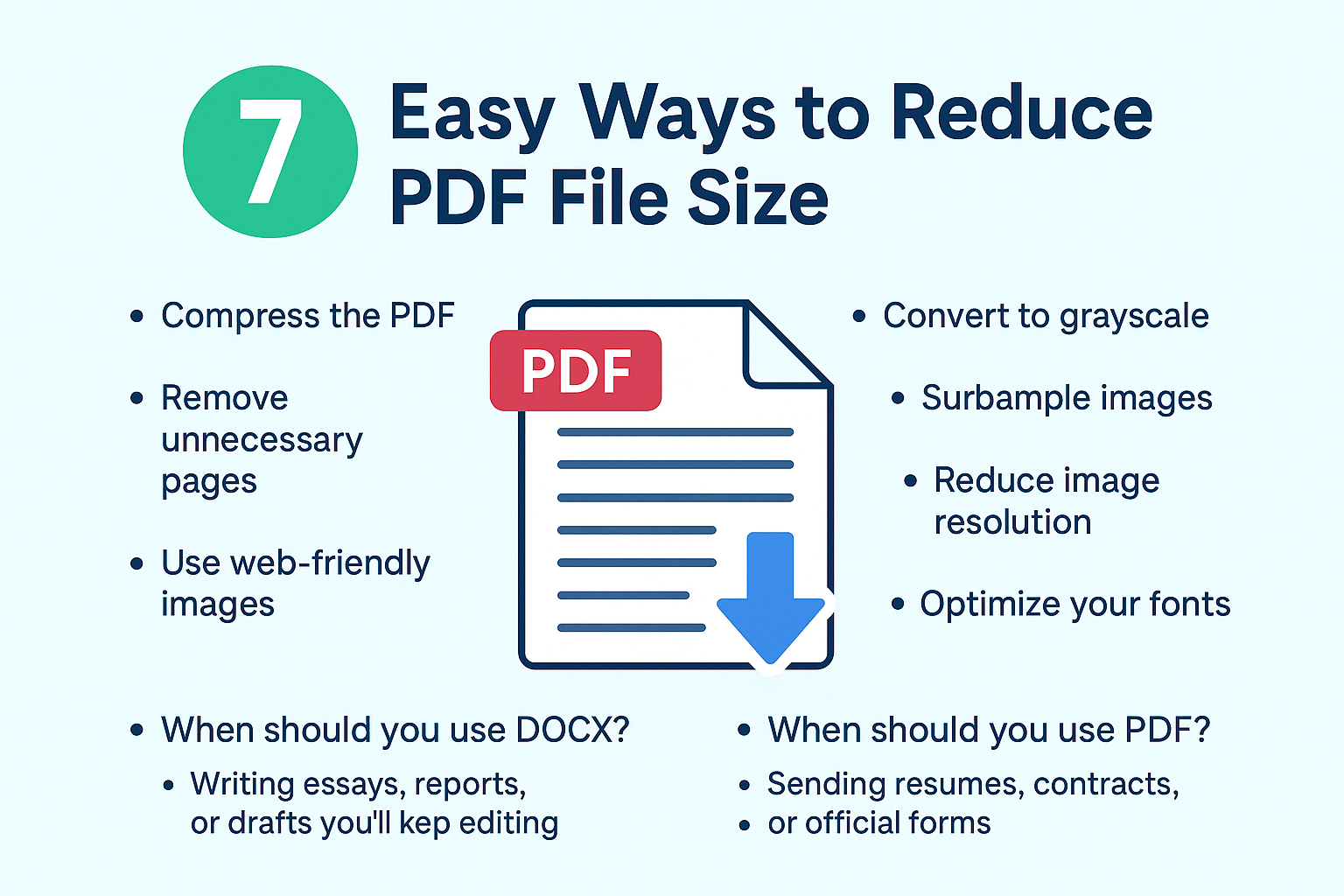
When should you use DOCX?
- Writing essays, reports, or drafts you’ll keep editing
- Collaborating with classmates or coworkers
- Documents that need tracked changes or comments
When should you use PDF?
- Sending resumes, contracts, or official forms
- Sharing designs, brochures, or manuals
- Files that need to print exactly as designed
Pro tip: Convert DOCX to PDF instantly
If you’ve finished writing in DOCX and need a share-ready PDF, convert it instantly here:
Convert DOCX to PDF for free at ConvertToPDFNow.com
Wrap-up
Think of it this way: DOCX is for creating, PDF is for sharing. Together, they cover almost every situation. Write, edit, and draft in DOCX — then convert to PDF when you’re ready to send or publish.